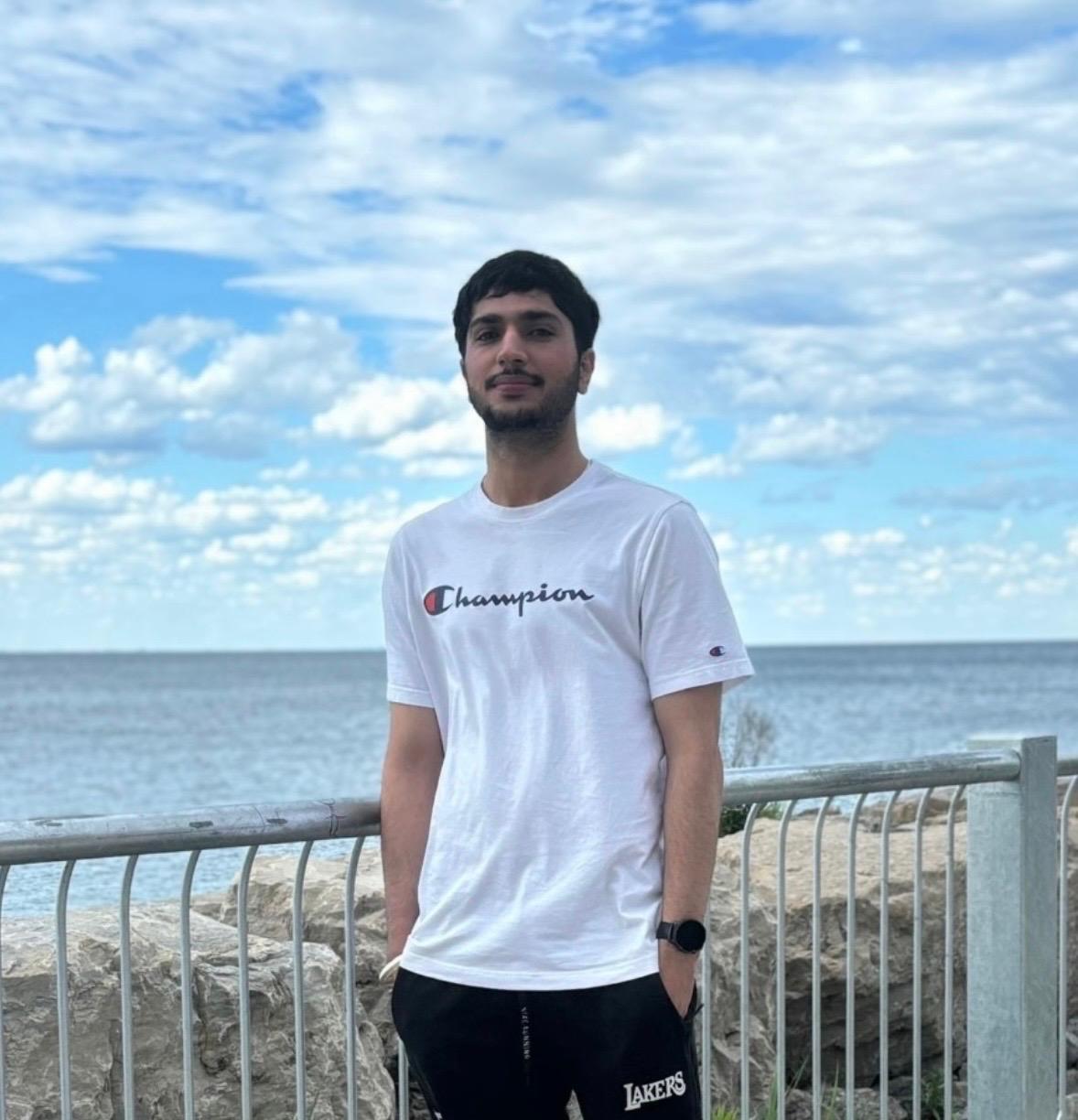


Swati Tyagi
Senior Full Stack and Mobile App Developer
Package, run and ship apps with Docker — images, Dockerfiles, Compose and production-ready containers, taught hands-on from first principles.

Containers, understood — not just copied from tutorials. Docker changed how software is built and shipped, but most engineers only learn enough commands to get by until something breaks in CI. This course, Docker — From Zero to Production, takes you from absolute fundamentals to production-grade containerisation that you can troubleshoot, secure, and deploy with confidence in any remote-first team.
You will start by exploring how containers differ from traditional virtual machines by sharing the host operating system kernel via cgroups and namespaces. Through hands-on terminal labs, you will inspect the Docker daemon, the Docker REST API, and the container runtime. Understanding why a container starts instantly compared to a VM changes how you design microservices and handle local development environments.
Practical deliverables form the backbone of your learning. Every project addresses a specific production challenge:
This program is built for backend developers, DevOps engineers, and system administrators moving up who need to containerise applications reliably. It is not an introductory coding class; you should already be comfortable reading basic code and executing commands in a terminal. If you need a refresher on file permissions and shell navigation before starting, check out the Linux training module first.
All sessions run live online in timezone-friendly cohorts led by working engineers who write container manifests in production every day. You write code alongside the instructor, debug failing builds in real time, and submit your configuration files for direct review. If you miss a session or join from a different timezone, full recordings and lab notes are available immediately.
Modern backend roles that list Kafka or Kubernetes almost invariably require solid container skills. Engineering interviewers routinely ask you to explain image layers, cache invalidation in CI runners, and how to run containers as non-root users to satisfy security audits. Mastering these fundamentals prepares you to take on senior cloud responsibilities. Once you finish this training, you can advance directly into the Kubernetes: Beginner to Advanced course to master multi-node cluster orchestration.
A structured curriculum with real tools and outcomes built for the workplace.
You can explain what problem containers solve, how they differ from virtual machines, and when a container is the wrong answer.
Hands-on project: Take an application that only runs on one developer's laptop, document every undeclared dependency, and write the case for containerising it.
You can explain what a container actually is at the kernel level, which is what lets you debug one when it misbehaves.
Hands-on project: Build a minimal container by hand using namespaces and cgroups, with no Docker involved, and document what each step isolates.
You can describe what happens between typing docker run and a process starting, and use that to diagnose a container that will not start.
Hands-on project: Diagnose five containers that fail to start for five different reasons, documenting the signal that identified each.
You can read an image's layer history and explain why a build took four minutes when it should have taken four seconds.
Hands-on project: Take a slow, bloated build and cut both build time and image size by at least seventy percent, documenting each change's effect.
You can write a Dockerfile another engineer can read, that builds fast, and that does not run your application as root.
Hands-on project: Write production Dockerfiles for a Node service, a Python service and a Go binary, each non-root with a health check and a pinned base.
You can ship an image containing your application and nothing else, and explain the attack surface you removed.
Hands-on project: Reduce a 1.2 GB image to under 60 MB using multi-stage builds and a distroless base, with the application still fully functional.
You can explain how a container reaches the internet and how two containers reach each other, and fix it when they cannot.
Hands-on project: Build a three-tier application across isolated networks where the database is unreachable from outside, and prove the isolation.
You can keep data alive across container restarts and upgrades, and take a backup you have actually tested restoring.
Hands-on project: Run a database in a container with a named volume, perform a backup, destroy everything, and restore from the backup.
You can describe a whole application stack in one file that a new developer can start with a single command.
Hands-on project: Write a Compose stack for a five-service application with health-gated startup ordering, profiles and environment overrides.
You can produce an image that passes a security scan and explain each remaining finding rather than ignoring it.
Hands-on project: Harden a deliberately insecure image until a Trivy scan reports no high or critical findings, documenting each fix and each accepted risk.
You can run your own registry, push to it securely, and stop it filling up with images nobody will ever pull again.
Hands-on project: Stand up a private registry with authentication and TLS, push a signed multi-architecture image, and implement a retention policy.
You can work out why a container is slow or being killed, using signals rather than guesswork.
Hands-on project: Diagnose a container being OOM-killed and another silently throttled on CPU, proving each diagnosis from metrics before fixing it.
You can set limits that protect the host without strangling the application, from measurement rather than a round number.
Hands-on project: Establish measured limits for three services by load-testing each, and show the host stays healthy when all three are saturated.
You can explain what you gain and lose moving from a single host to an orchestrator, and make the move deliberately.
Hands-on project: Migrate a working Compose stack to Kubernetes manifests, keeping behaviour identical, and document what the orchestrator now handles.
You can take an application with no containerisation and deliver it production-ready: small, non-root, scanned, observable, documented and running under an orchestrator.
Hands-on project: Containerise a multi-service application end to end: multi-stage non-root images under 100 MB, a Compose stack for development, a hardened build passing Trivy with no high findings, a private registry with signing and retention, Prometheus metrics and Grafana dashboards, evidence-based resource limits, Kubernetes manifests with rolling updates, and a written runbook — defended in review.
Every instructor here ships production code for a living and teaches the same week they deploy.
5 learners sharing their experience

The Full-Stack Java developer program at Squarebrackets completely transformed my career. Learning Spring Boot and microservices architecture alongside React and Next.js gave me the exact modern stack companies are looking for. Building real-time projects using Apache Kafka and RabbitMQ for message queuing gave me the practical confidence I needed to ace my system design rounds.
Ankit transitioned from a legacy support engineer to a high-paying product development role after completing his 6-month intensive Java and JavaScript full-stack training at our Noida campus.

Squarebrackets took me from not knowing what a gradient was to building and deploying CNNs and Transformers. The maths-first approach made everything click, and the mentors pushed me through every hard concept.
Completed the Deep Learning Course at Squarebrackets and landed a deep learning role within two months.

Squarebrackets gave me the complete AI picture — from search algorithms and Bayesian reasoning to building LLM agents. The maths-first approach meant nothing was a black box, and the mentors pushed me through every project.
Completed the Artificial Intelligence Course at Squarebrackets and moved into an AI engineering role within two months.

The Java Full-Stack and DSA course at Squarebrackets completely changed my career trajectory. The focus on raw problem-solving with DSA alongside hands-on Spring Boot and React projects gave me the practical skills I needed. I went from struggling with basic coding rounds to cracking my technical interview with absolute confidence.
Aniket joined Squarebrackets as a college senior looking to transition from theoretical academic projects to production-ready software development. After completing our rigorous training program, he secured a placement as an Associate Software Engineer.
The live cohort broke down complex concepts like Spring Boot transaction management and React state handling in a way that made immediate sense for production work. Having worked through real backend architectures during class, my daily code reviews at work became much smoother.
Completed the Java Full Stack live training while balancing a full-time role, upgrading engineering skills through rigorous hands-on sessions.

“The Full-Stack Java developer program at Squarebrackets completely transformed my career. Learning Spring Boot and microservices architecture alongside React and Next.js gave me the exact modern stack companies are looking for. Building real-time projects using Apache Kafka and RabbitMQ for message queuing gave me the practical confidence I needed to ace my system design rounds.”

Software Engineer, Student
“Squarebrackets took me from not knowing what a gradient was to building and deploying CNNs and Transformers. The maths-first approach made everything click, and the mentors pushed me through every hard concept.”

Student
“Squarebrackets gave me the complete AI picture — from search algorithms and Bayesian reasoning to building LLM agents. The maths-first approach meant nothing was a black box, and the mentors pushed me through every project.”

Student
“The Java Full-Stack and DSA course at Squarebrackets completely changed my career trajectory. The focus on raw problem-solving with DSA alongside hands-on Spring Boot and React projects gave me the practical skills I needed. I went from struggling with basic coding rounds to cracking my technical interview with absolute confidence.”
Associate Software Engineer, Capgemini
“The live cohort broke down complex concepts like Spring Boot transaction management and React state handling in a way that made immediate sense for production work. Having worked through real backend architectures during class, my daily code reviews at work became much smoother.”

Student


Browse the common questions, or reach out and our team will help you directly.
10 courses in this collection
Microsoft Azure Solutions Architect & DevOps Expert (AZ-900, AZ-305, AZ-400) Beginner24 Weeks

Advanced DevOps and Infrastructure Engineering Course Beginner22 Weeks

Google Cloud (GCP) Advanced5 Months (20 Weeks)
Kubernetes: Beginner to Advanced Advanced8–12 weeks

Azure Cloud Advanced5 Months (20 Weeks)
Linux Intermediate3 Months (12 Weeks)

System Monitoring & Observability Advanced4 Months (16 Weeks)
Git & GitHub Advanced12 Weeks (90 Hours)

Jenkins Intermediate3 Months (12 Weeks)

AWS Cloud Advanced5 Months (20 Weeks)
Best seller
Best seller
New
Best seller
New
New
New
New
Trending
NewHands-on programming tracks with runnable code, from fundamentals to job-ready projects.
Kubernetes Beginner to Production Grade: A Hands-On DevOps Guide Beginner25 min
100 Days of DSA with Java Beginner to advanced100 days · 85 lessons published

100 Days of AI Engineering Beginner to advanced100 days · 57 lessons published


Articles to help you learn, grow, and get hired.
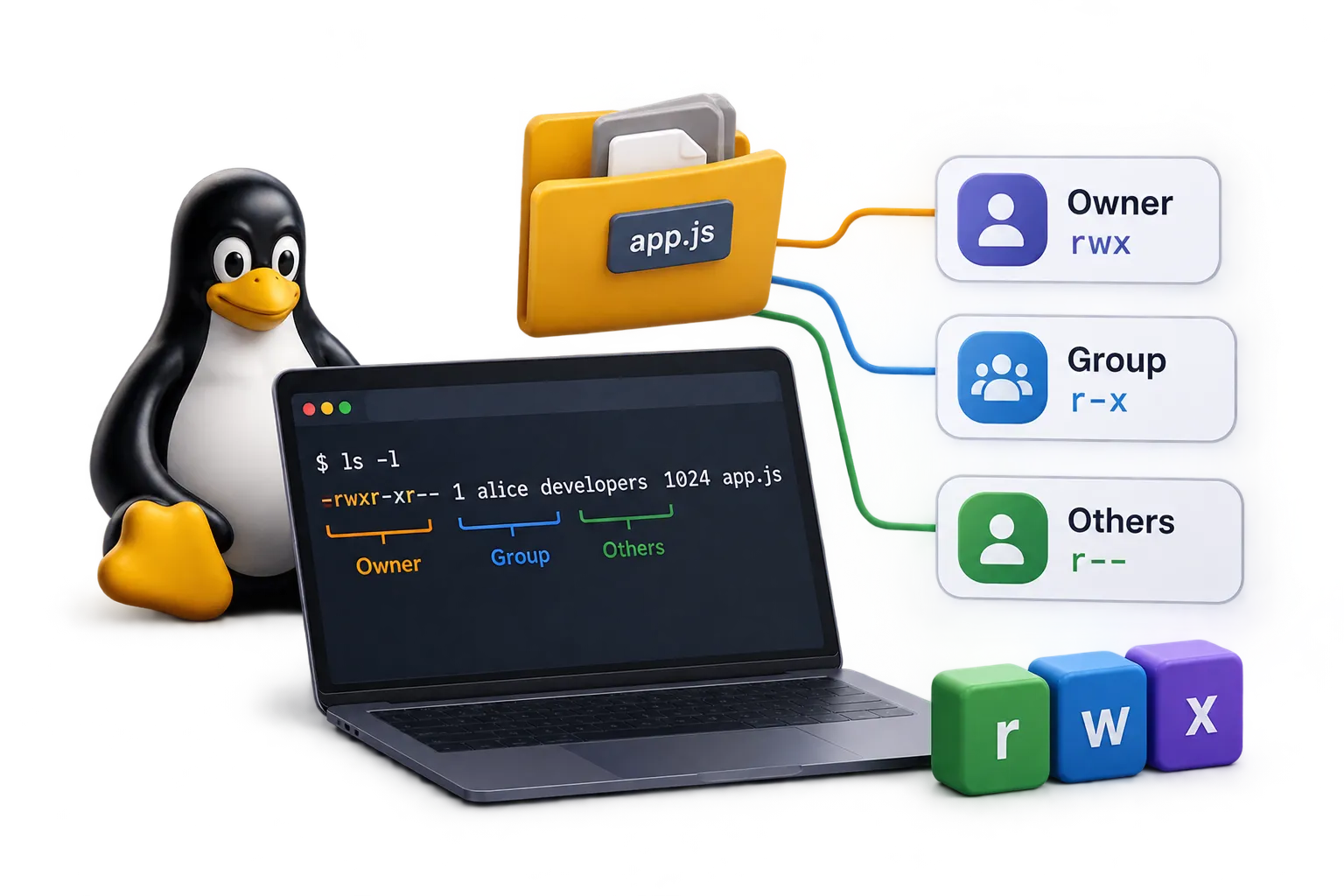
Linux Groups and File Permission: Complete Admin Guide 5 min11 Sept 2026

Terraform Architecture Explained: How It Works Under the Hood 5 min9 Sept 2026
Git vs GitLab: What's the Difference? (Simple Guide for Beginners) 5 min23 Jun 2026
Master Linux groups and File Permission with this practical guide covering user creation, group memberships, sudo privileges, and file permissions.

Demystify Terraform architecture. Learn how the Core, State files, Providers, and APIs interact to manage Infrastructure as Code safely.
TrendingA beginner-friendly guide to the real difference between Git and GitLab, explained in plain English with a simple real-life example anyone can understand.