

Web Development
Creating Server with Express and HTTP Methods: A Practical Guide
Learn how to build a robust Node.js server using Express.js. We cover setup, routing, and handling HTTP methods like GET, POST, PUT, and DELETE with clean code.

 Hover to zoom
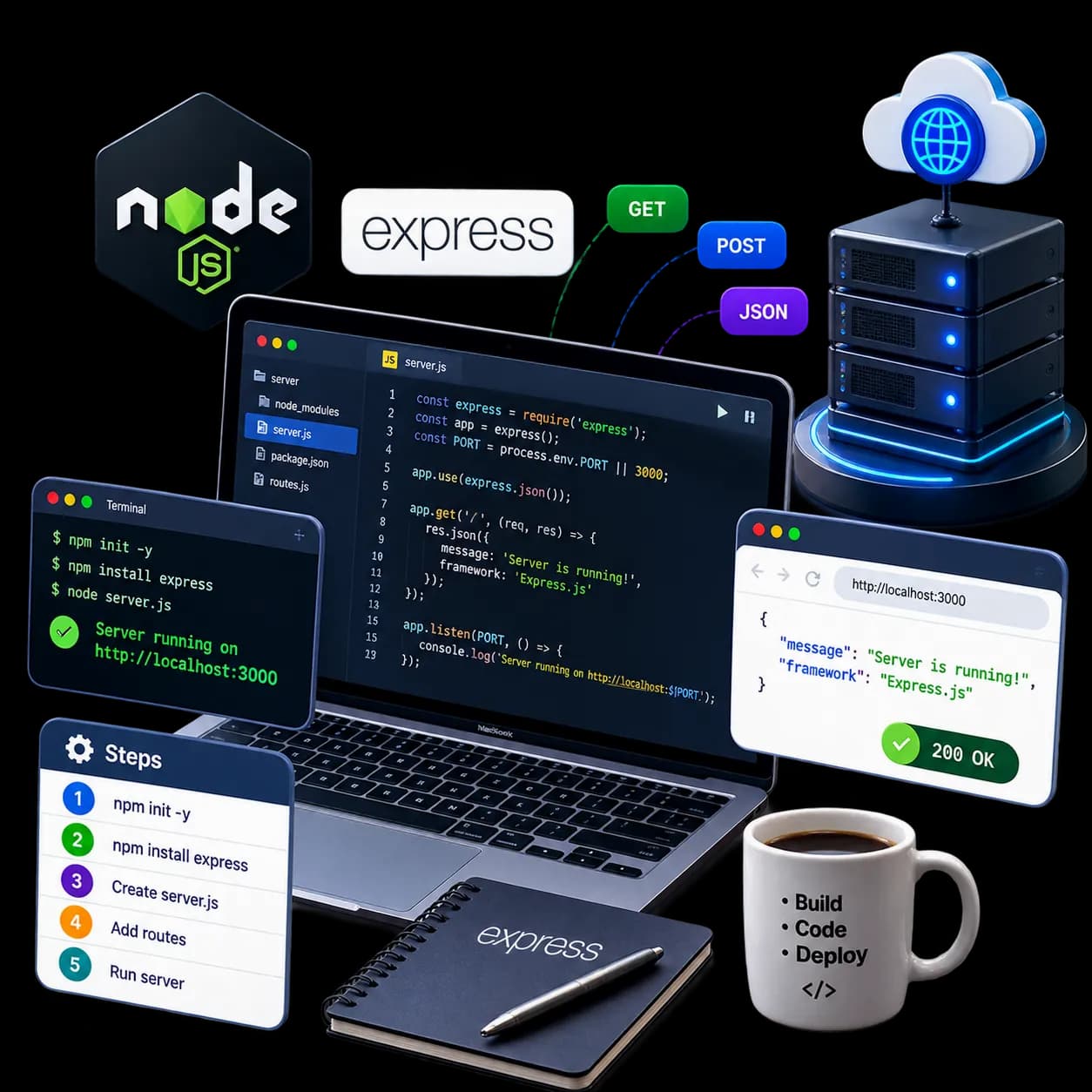
Building a web application always starts with a fundamental block: the backend server. If you are working in the JavaScript ecosystem, Node.js is your runtime, but writing raw HTTP servers using Node's built-in modules quickly becomes messy. That is where an express js server tutorial becomes essential. Before diving into routing, it helps to understand how servers handle network packets as explored in our guide on What Is a Server? Types, Web Servers, and Node.js Setup. In this practical walkthrough, we will cover creating servers with Express and HTTP methods so you can handle real-world API requests like a production engineer.
Express is a minimal, flexible web framework that sits on top of Node.js. It streamlines routing, middleware integration, and request handling. Let's skip the theoretical fluff and build a functional REST API from scratch.
Why Use Express for Handling HTTP Methods?
Using Node's native `http` module requires parsing URLs, dissecting query strings, and manually buffering request bodies. It is tedious and error-prone. Express wraps this complexity into clean, declarative methods like `app.get()` and `app.post()`.
Setting Up Your Express Project
Before we write any JavaScript, we need to initialize our Node.js environment and install the required dependencies. Run these commands in your terminal to set up a clean workspace:
mkdir express-server-demo
cd express-server-demo
npm init -y
npm install express
Once the installation finishes, open your `package.json` file. To use modern ES import syntax instead of CommonJS, add `"type": "module"` to your configuration. Now, create a file named `server.js` in your root directory.
Creating Your First Express Server
Let's write the absolute minimum code required to spin up an HTTP server. This code initializes Express, configures a port, and starts listening for incoming connections.
import express from 'express';

const app = express();
const PORT = 3000;

// Middleware to parse incoming JSON payloads
app.use(express.json());

app.listen(PORT, () => {
  console.log(`Server is running on http://localhost:${PORT}`);
});Implementing HTTP Methods in Express
HTTP methods (often called verbs) tell the server what action to perform on a specific resource. To demonstrate this, we will build a simple in-memory CRUD (Create, Read, Update, Delete) API for managing a list of courses.
1. The GET Method (Read)
The GET method retrieves data from the server. It should be safe and idempotent, meaning it never modifies the database state.
const courses = [
  { id: 1, name: 'Java Masterclass' },
  { id: 2, name: 'MERN Full-Stack' }
];

// Get all courses
app.get('/api/courses', (req, res) => {
  res.status(200).json(courses);
});

// Get a single course by ID
app.get('/api/courses/:id', (req, res) => {
  const courseId = parseInt(req.params.id);
  const course = courses.find(c => c.id === courseId);

  if (!course) {
    return res.status(404).json({ message: 'Course not found' });
  }
  res.status(200).json(course);
});
2. The POST Method (Create)
The POST method submits new data to the server, resulting in the creation of a new resource.
app.post('/api/courses', (req, res) => {
  if (!req.body.name) {
    return res.status(400).json({ message: 'Course name is required' });
  }

  const newCourse = {
    id: courses.length + 1,
    name: req.body.name
  };

  courses.push(newCourse);
  res.status(201).json(newCourse);
});
3. The PUT Method (Update)
The PUT method updates an existing resource entirely. If you only want to update specific fields, you would typically use PATCH, but PUT is standard for full replacements.
app.put('/api/courses/:id', (req, res) => {
  const courseId = parseInt(req.params.id);
  const course = courses.find(c => c.id === courseId);

  if (!course) {
    return res.status(404).json({ message: 'Course not found' });
  }

  if (!req.body.name) {
    return res.status(400).json({ message: 'Updated name is required' });
  }

  course.name = req.body.name;
  res.status(200).json(course);
});
4. The DELETE Method (Delete)
The DELETE method removes a resource from the server.
app.delete('/api/courses/:id', (req, res) => {
  const courseId = parseInt(req.params.id);
  const index = courses.findIndex(c => c.id === courseId);

  if (index === -1) {
    return res.status(404).json({ message: 'Course not found' });
  }

  const deletedCourse = courses.splice(index, 1);
  res.status(200).json({ message: 'Course deleted successfully', data: deletedCourse[0] });
});
Summary of HTTP Methods and Status Codes
When building APIs, returning the correct HTTP status code is crucial for client-side error handling and debugging. Here is a quick reference table of how different methods should behave:
| HTTP Method | Action | Typical Success Code | Typical Error Code |
|---|---|---|---|
| GET | Retrieve data | 200 OK | 404 Not Found |
| POST | Create new resource | 201 Created | 400 Bad Request |
| PUT | Replace/Update resource | 200 OK | 400 / 404 |
| DELETE | Remove resource | 200 OK / 204 No Content | 404 Not Found |
Handling Unknown Routes (404 Fallback)
If a user tries to access a route that does not exist, Express will default to an HTML-based error message. To keep your API clean, add a catch-all route handler at the very bottom of your file, just before the `app.listen()` block.
// Catch-all route for unmatched paths
app.use((req, res) => {
  res.status(404).json({ error: 'Route not found' });
});
Creating servers with Express and HTTP methods is the gateway to modern backend engineering. By mastering routing, payload parsing, and standard HTTP response codes, you can build APIs that are highly performant and easy to consume. When you are ready to scale these APIs into distributed architectures with authentication and databases, explore the MERN Stack with Microservices & Gen AI course.
Creating server with Express and HTTP methods is the gateway to modern backend engineering. By mastering routing, payload parsing, and standard HTTP response codes, you can build APIs that are highly performant and easy to consume. Try modifying the code above by adding a database connection or creating custom validation middleware to level up your Express skills!